ReadyPrint | How to change your delivery address
If you need to change your delivery address, please follow the instructions below:
- Log in to the Epson ReadyPrint portal.
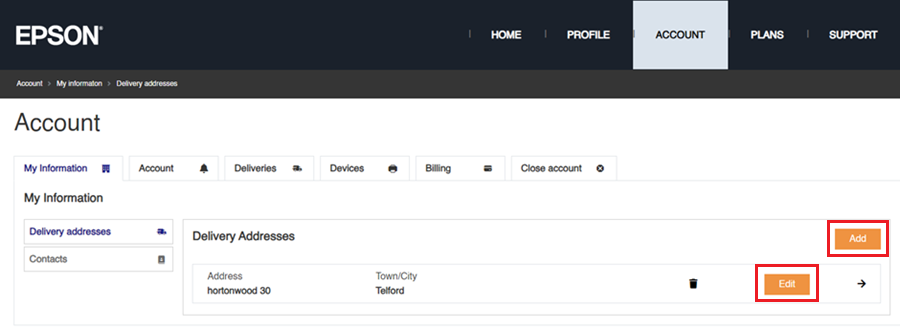
- Click on the Account tab at the top of the webpage, followed by clicking on either Add for an additional address or Edit to change an existing one.
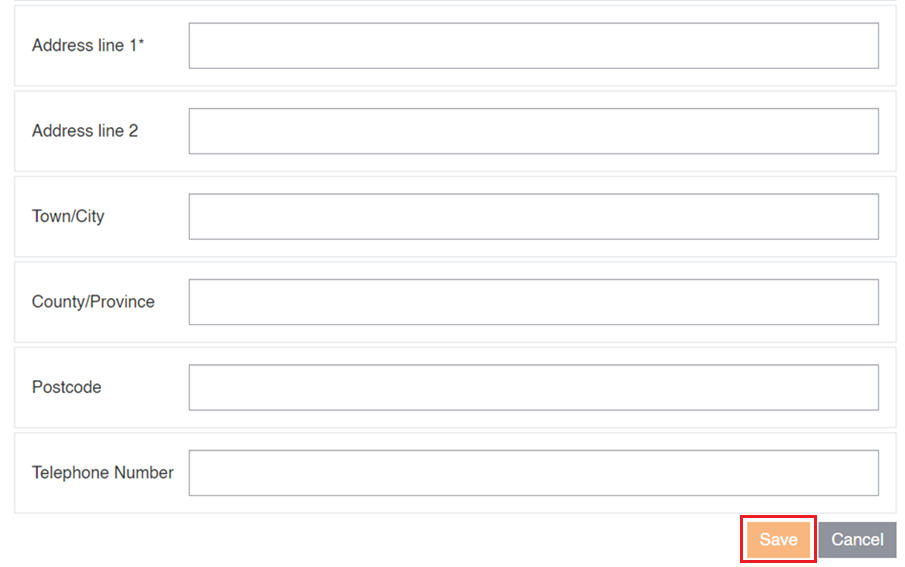
- Fill out the new/amended address details and click on Save to complete the process.