WF-C20600 / WF-C20750 / WF-C21000 | Paper Jam – 2-Sided Printing
Issue:
When using the 2-sided printing options the below error message may be displayed on the screen of the printer
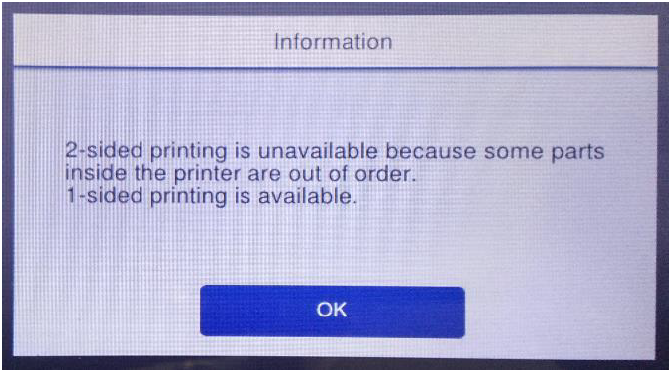
This may happen only this if printer is in a low temperature environment, below 20°C and usually on a Monday morning if there has been no heat in the area during a weekend or prolonged shutdown of the area.
The printer will need time to come back up to operating temperature (20°C ) for the 2 sided operation to function normally.
Solution:
Update the firmware of the printer to version GQ27L1 or later, using the Epson Software Updater or the automatic firmware update built into the printer to enable this function at a lower temperature.
 Updating the Printer's Firmware Automatically WF-C20600, WF-C20750 and WF-C21000 only: Updating the Printer's Firmware Automatically WF-C20600, WF-C20750 and WF-C21000 only: |
|---|
|
You can set the firmware to update automatically when the printer is connected to the Internet. When the administrator lock is enabled, only the administrator can execute this function. Contact your printer administrator for assistance.
|
