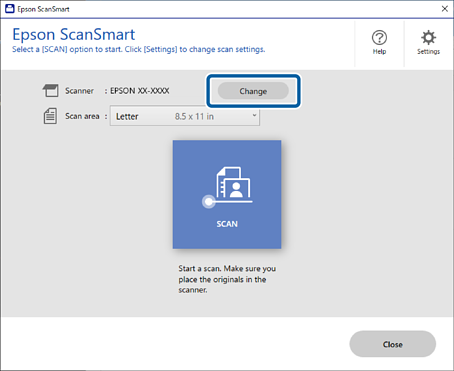
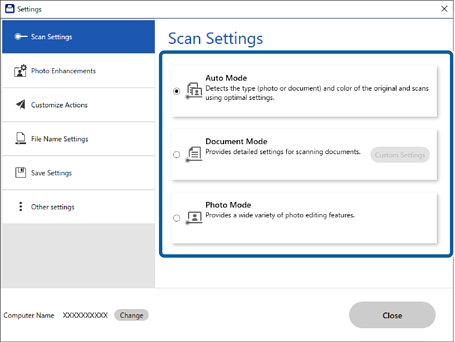
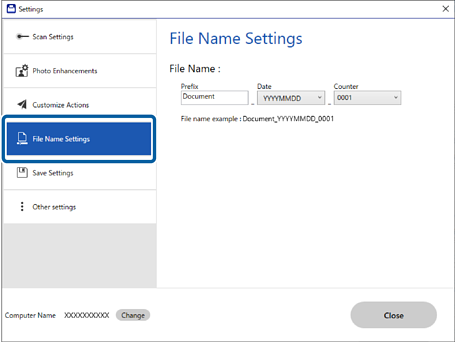
Click the Settings icon in the Epson ScanSmart window, go to the Save Settings tab, then Options.
PDF settings
| Item | Explanation |
|---|
| Generate PDF/A File | Creates a PDF conforming to the PDF/A-1 standard for long-term archiving. Can't be combined with Compression Level or Security settings. |
| Create file with all pages | Saves all pages as one file. |
| Compression Level | Sets the compression level for colour or greyscale images. |
| Set a password to open the file | Password-protects opening the PDF (up to 32 single-byte characters). |
| Set property protect password | Password-protects the PDF's Properties or Change Settings window (up to 32 single-byte characters). |
| Do not Allow Editing | Prohibits editing, commenting, and object extraction. |
| Do not Allow Printing | Prohibits printing. |
Note: Security options require the EPSON Scan PDF expansion function to be installed.
JPEG settings
This differs by operating system: Windows offers Image Quality Options, an Encoding method choice, and Embed ICC Profile. macOS offers only Image Quality Options.
| Item | Explanation | OS |
|---|
| Image Quality Options | Sets JPEG compression via a slider or value. Higher quality increases file size. | Windows and macOS |
| Encoding – Standard | Images load top-to-bottom sequentially in a browser; takes longer to display the full image. | Windows only |
| Encoding – Progressive | Images display roughly at first, then sharpen; the whole image is visible sooner, even at low resolution. | Windows only |
| Embed ICC Profile | Adds colour reproduction information to the image, so colours display correctly in colour-management-aware software. | Windows only |
TIFF settings (Windows)
| Item | Explanation |
|---|
| Byte Order | Select the operating system that will use the scanned image. |
| Compression – Colour/Greyscale | None, JPEG, or LZW. With LZW, adjust image quality using the slider. |
| Compression – Black & White | None or CCITT Group4. CCITT Group4 compresses to roughly half the file size. |
| Embed ICC Profile | Adds colour reproduction information to the image, so colours display correctly in colour-management-aware software. |