How do I scan with my Epson product in Windows 11 ARM?
Applies To
- Operating Systems: Windows 11 ARM
- Related Articles: KA-01734 - installing the scanner driver first
Solution
Use the Windows Scan app to scan on Windows 11 ARM:
- Download Windows Scan from the Microsoft Store.
-
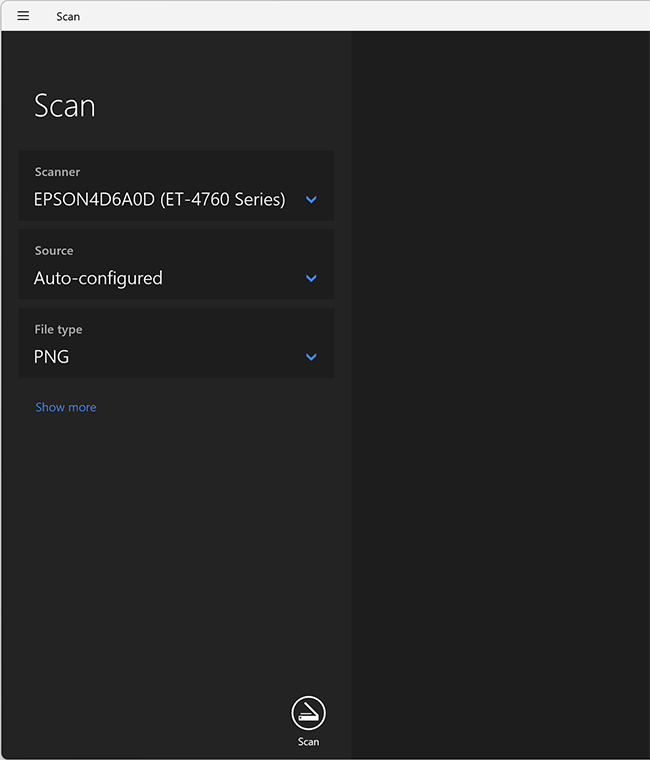
Open Windows Scan and select your Epson scanner.
Windows Scan is listed as Scan in the Windows Start Menu.
-
Choose your scan settings and select Scan.