Where to Find the Default Administrator Password on Your Epson Product
Applies To
- Hardware: Epson printers and scanners
- Related Articles: KA-01039 (finding your product's serial number — used as the default password if no label exists)
Description
Many Epson products include a printed label that shows the default administrator password. This password is needed when accessing or changing certain product settings.
In the example below, the default administrator password is 03212791.


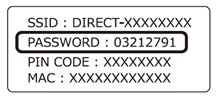
The exact label design and location may change without notice.
Symptoms
You may need to find the default administrator password if:
- You are setting up the product for the first time
- You cannot access advanced settings in Web Config
- You are prompted for the administrator password during configuration
- Firmware updates from a computer or smart device require a password
- Applications such as Fax Utility ask for the administrator password
Solution
Where to find the password label
Use the product category tabs to see where the password label is located on each device.
If your product doesn’t have a password label, the default password is the serial number (without the * symbols). Click here for help locating the serial number
- Home printers
- Business printers
- Large format printers
- Label printers
- POS printers
- Scanners
- Dot matrix printers
Home printers
Example 1
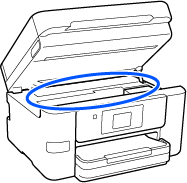
Example 2
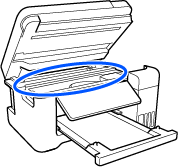
Example 3
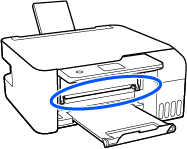
Example 4
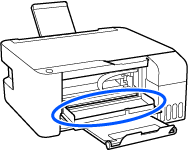
Example 5
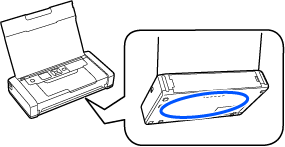
Example 6
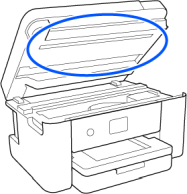
Business printers
Example 1
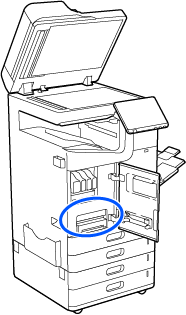
Example 2
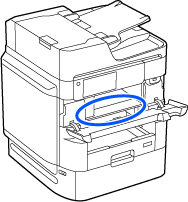
Example 3
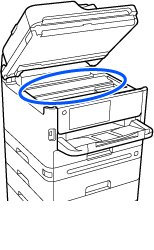
Example 4
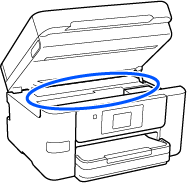
Example 5
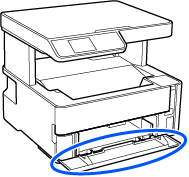
Example 6
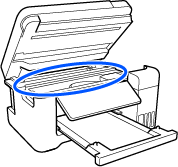
Large format printers
Example 1

Example 2

Example 3
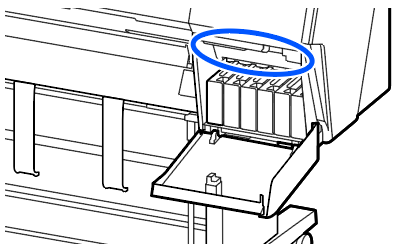
Example 4
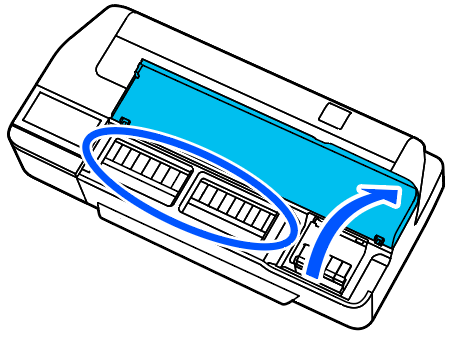
Example 5
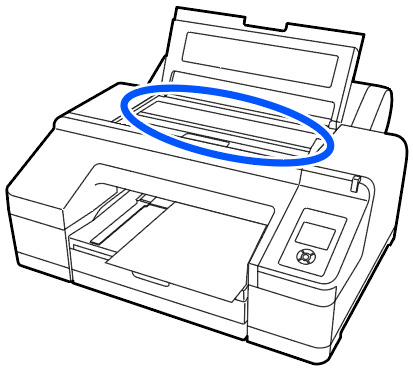
Example 6
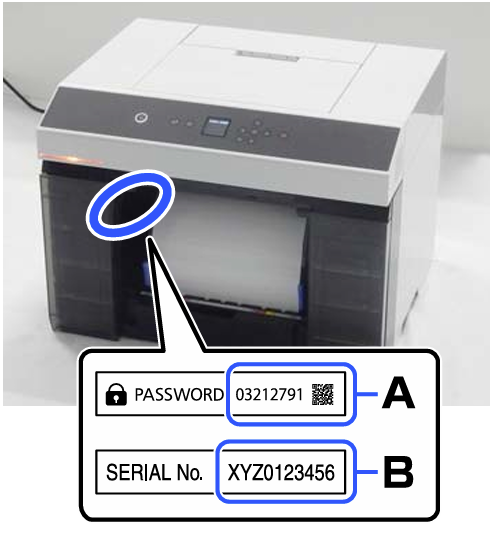
Example 7
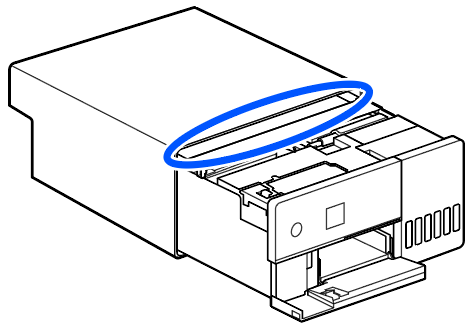
Example 8
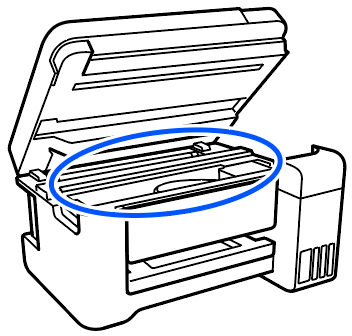
Label printers
Example 1
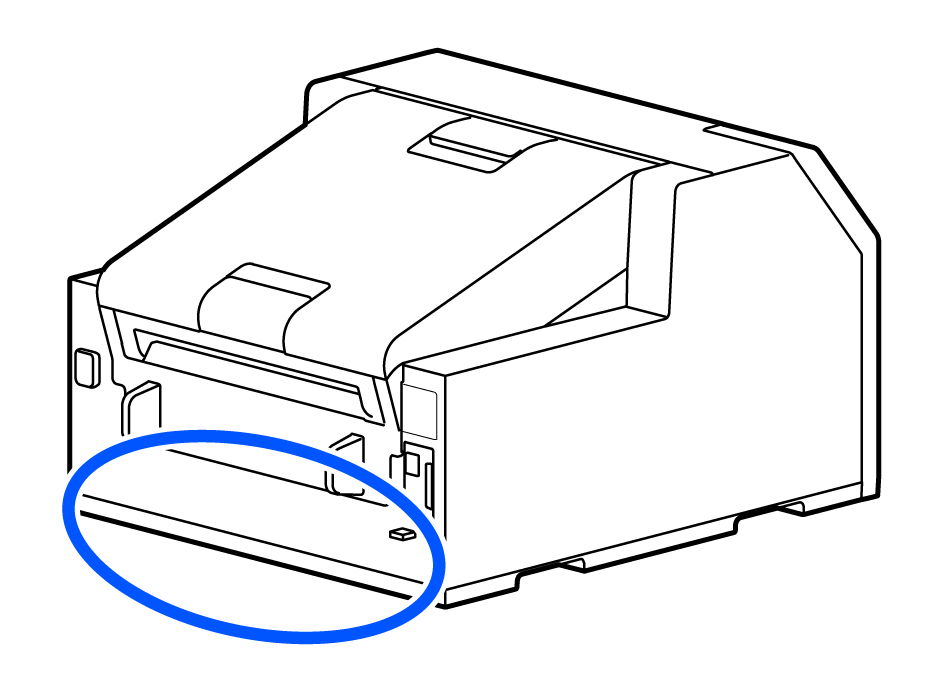
Example 2
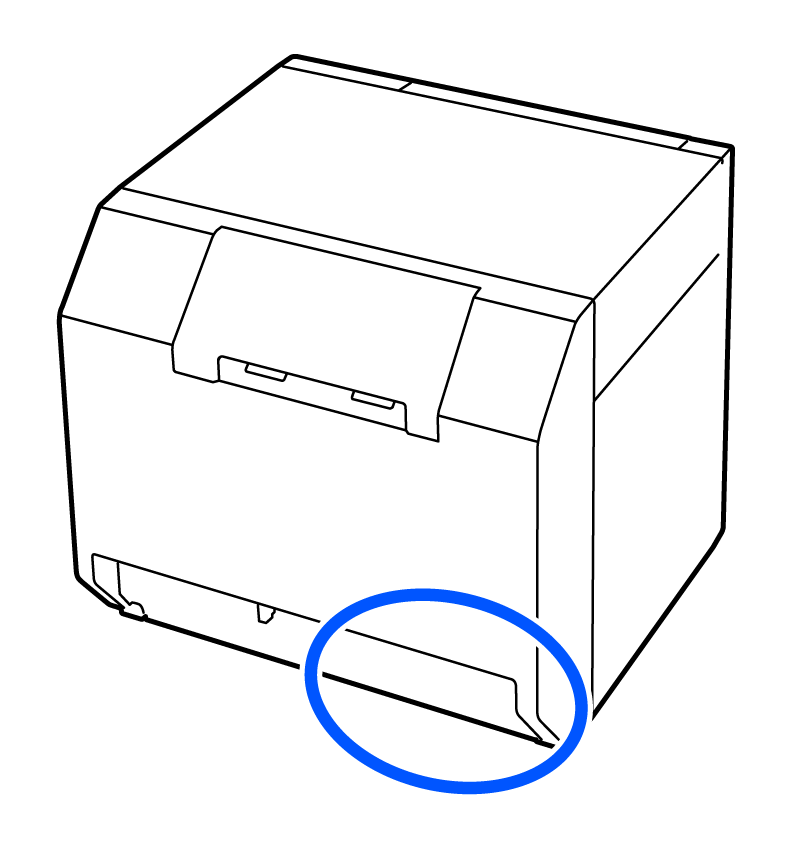
POS printers
Example 1
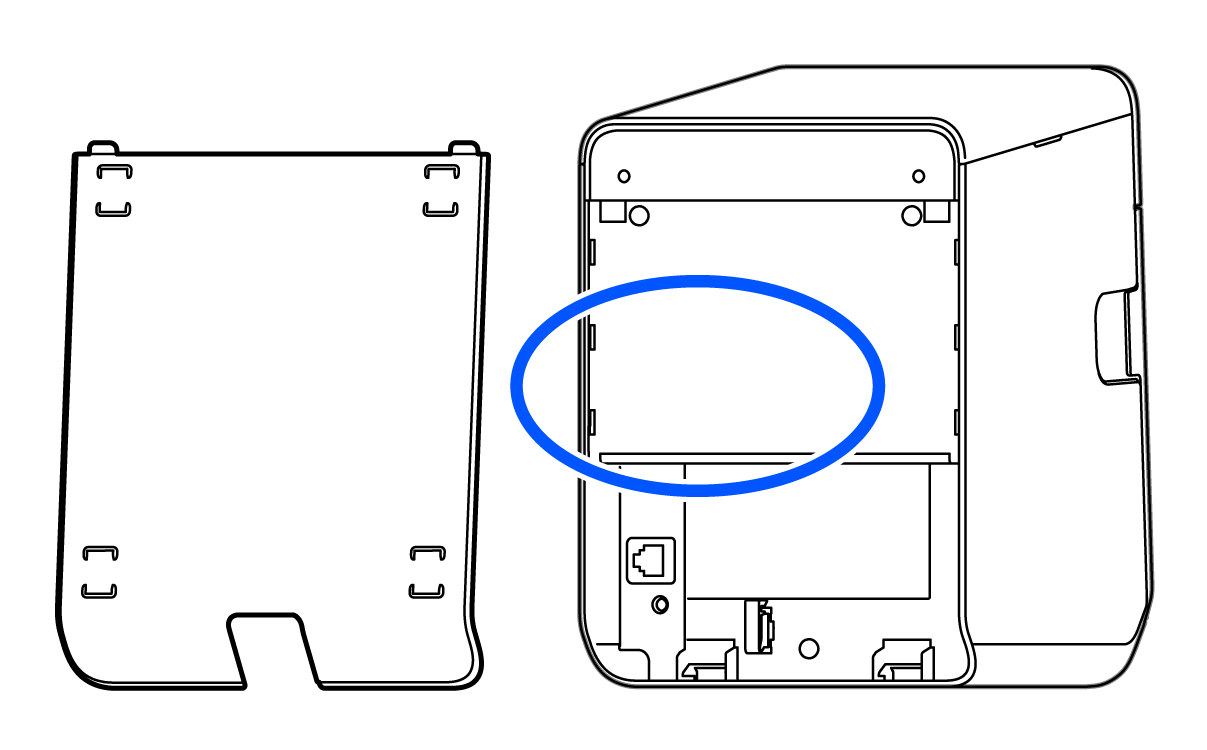
Example 2
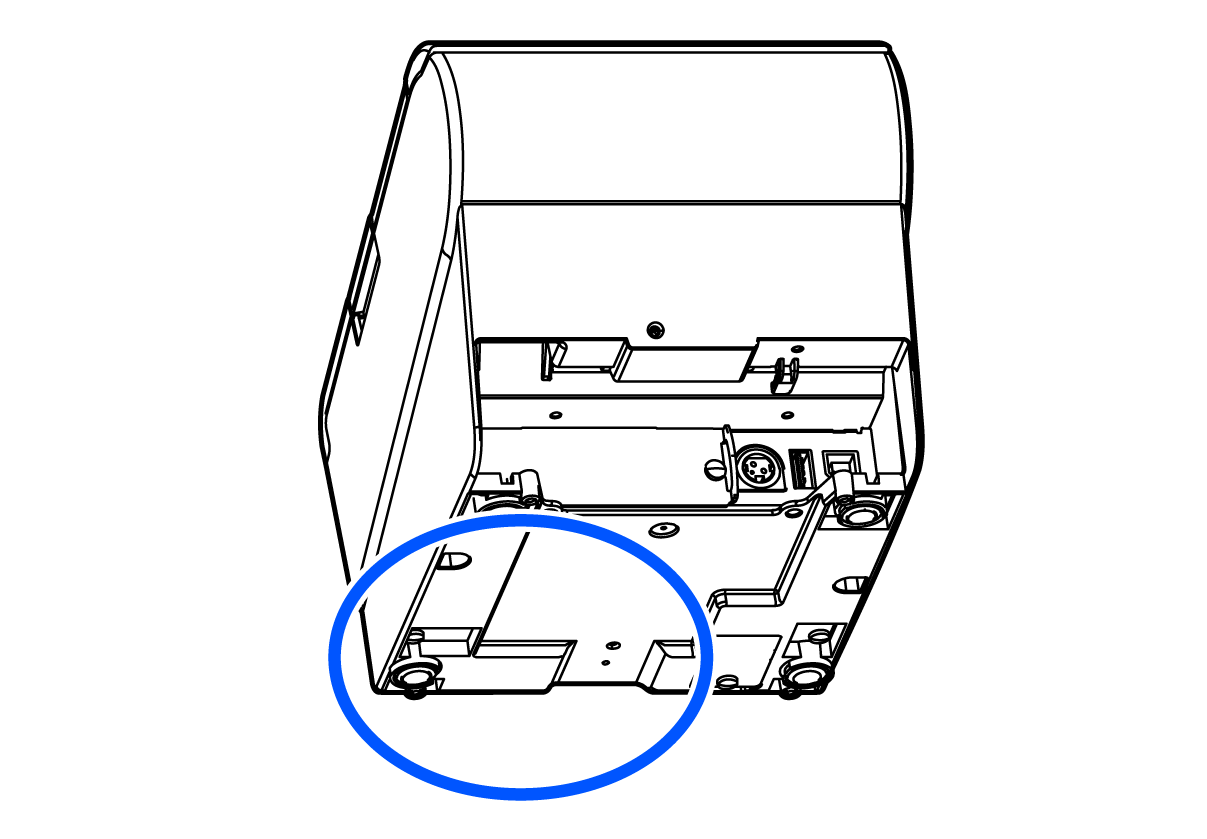
Example 3
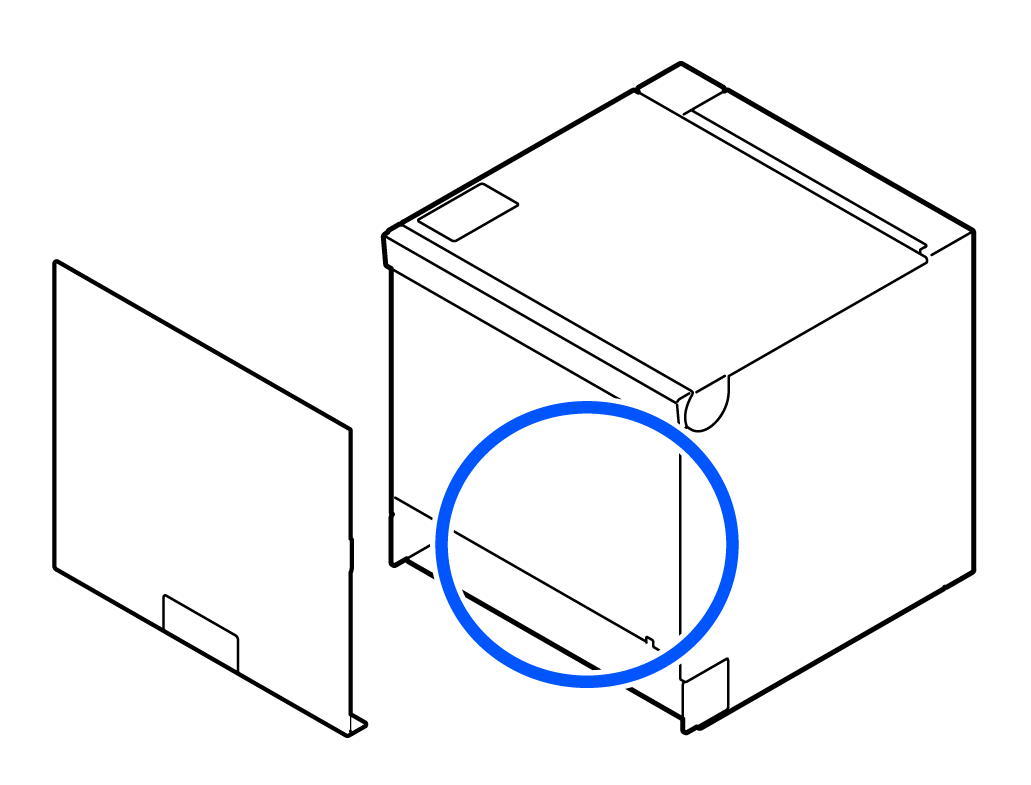
Example 4
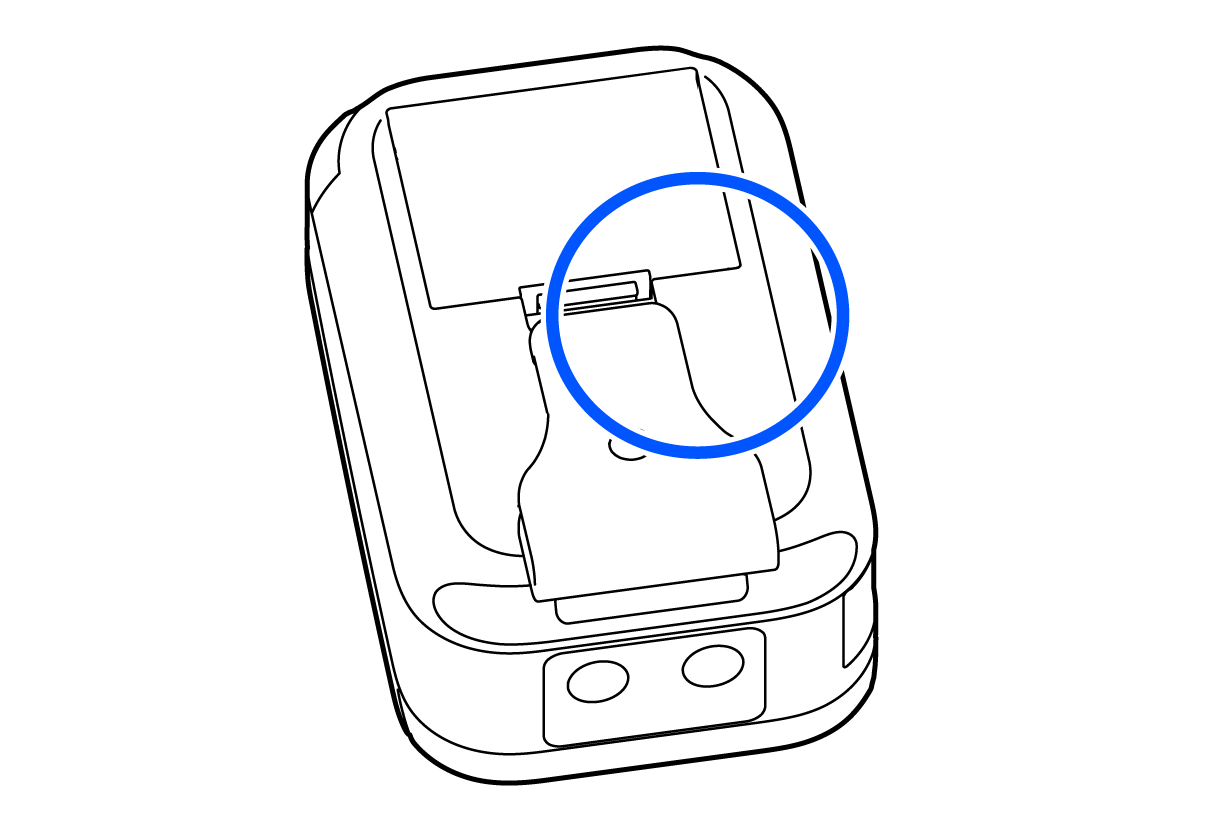
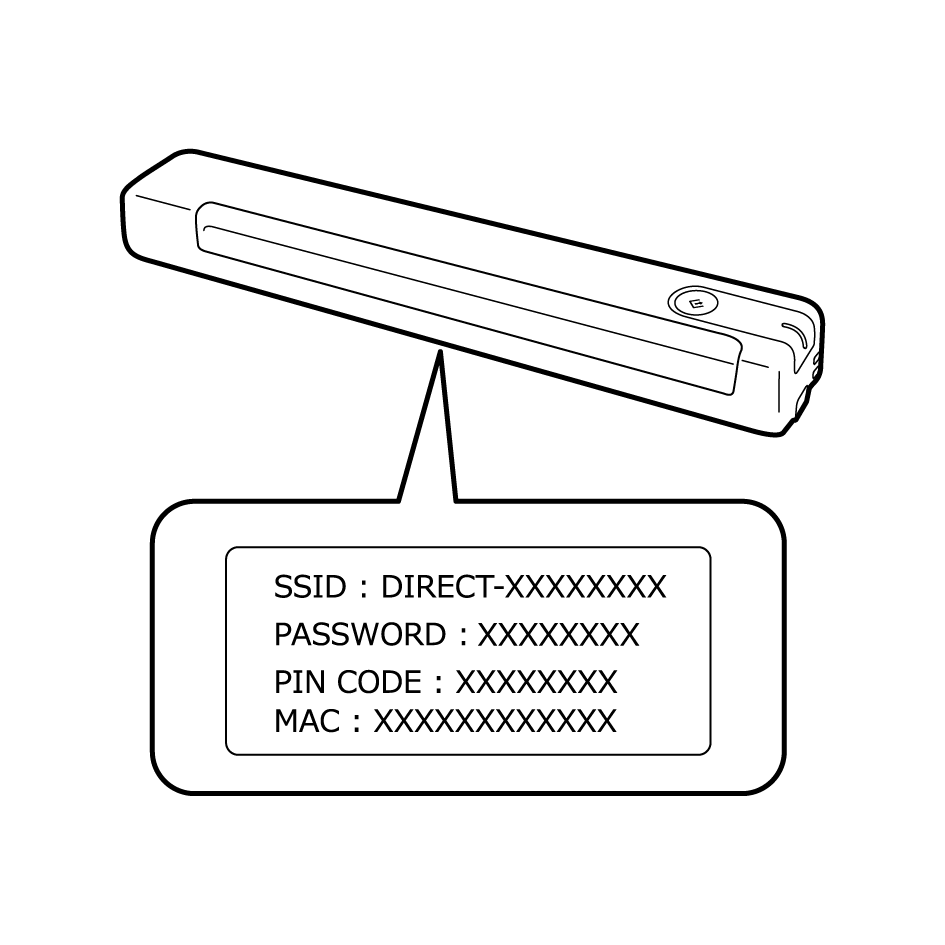
Scanners
Example 1
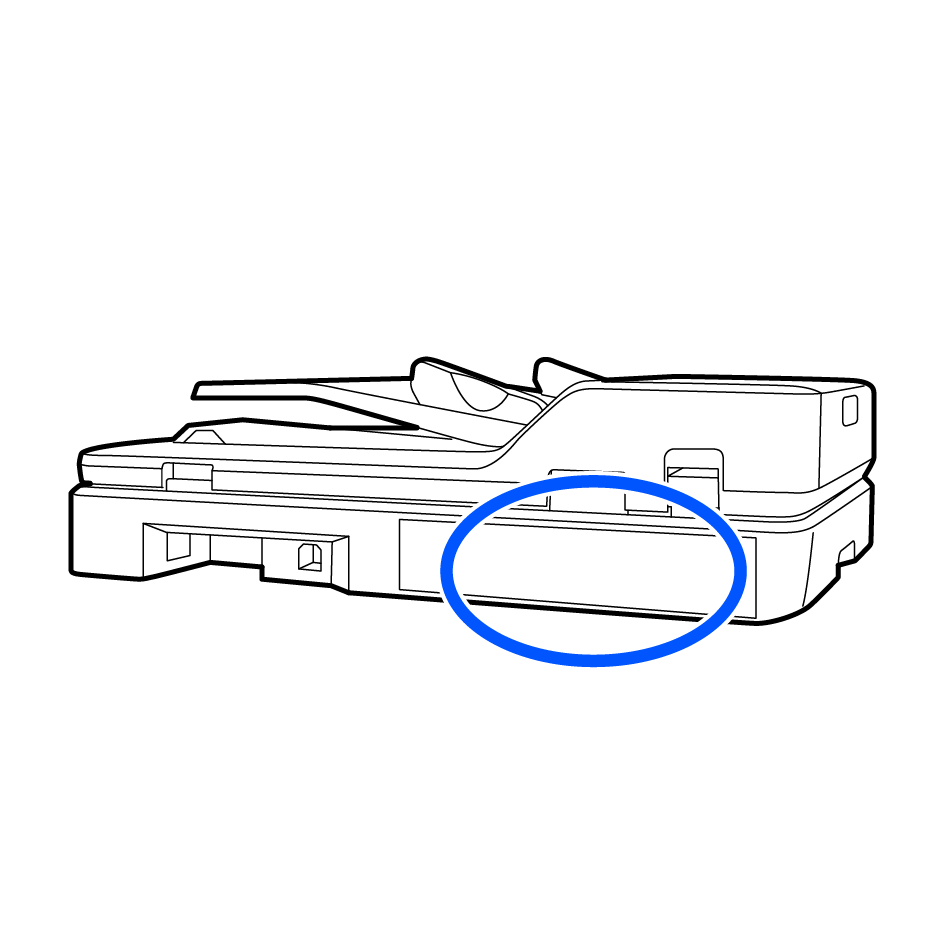
Example 2
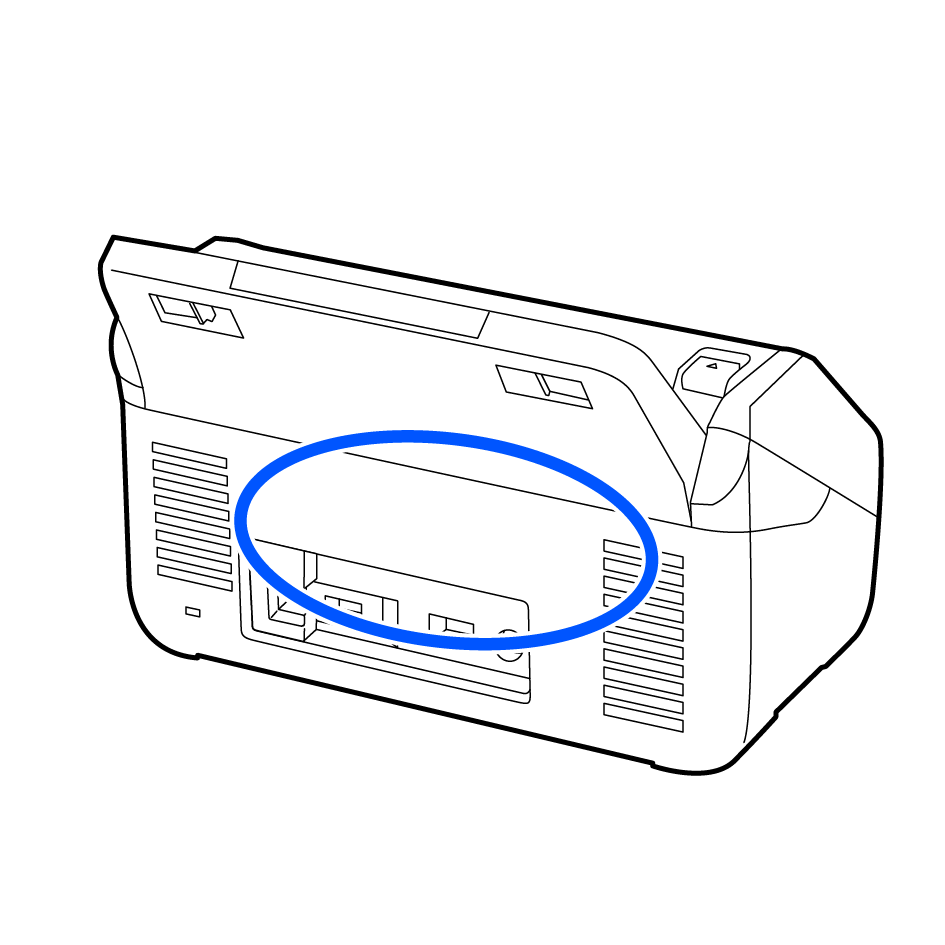
Example 3
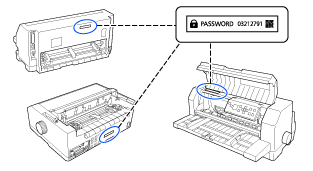
Dot matrix printers
Example 1